Smart Home Devices
Smart Sensors for Energy Efficiency: What They Do and When They Help
Smart sensors can make a home more responsive, but they are not automatic energy savers by themselves. Their value comes from what they detect and what action happens next. A sensor that notices motion, temperature, humidity, open doors, or unusual conditions can help reduce waste only when it supports better decisions or useful automation.
For energy efficiency, the best smart sensors solve specific problems: lights left on, rooms heated or cooled unnecessarily, poor humidity control, windows left open during HVAC use, or lack of visibility into how different rooms behave throughout the day.
Quick Answer
Smart sensors can help with energy efficiency when they reduce unnecessary runtime or reveal problems you would otherwise miss. Motion and occupancy sensors can reduce lighting waste. Temperature sensors can help identify uncomfortable rooms and HVAC imbalance. Humidity sensors can support better ventilation habits. Door and window sensors can prevent heating or cooling waste when openings are left open.
They are most useful when tied to clear actions, such as turning lights off, sending alerts, adjusting a thermostat, controlling fans, or helping you understand room-by-room comfort problems.
How Smart Sensors Work
A smart sensor detects a condition and communicates that information to an app, hub, smart home platform, or automation system. The sensor itself does not usually save energy directly. It helps by triggering better control.
Common things smart sensors can detect
- Motion
- Occupancy
- Temperature
- Humidity
- Open or closed doors and windows
- Water leaks
- Light levels
- Electricity use on some monitoring devices
A useful sensor setup should answer a simple question: “What waste or comfort problem will this help me fix?” If the answer is unclear, the device may add complexity without much benefit.
Related guide: Best Smart Home Devices for Lowering Energy Use .
Motion Sensors
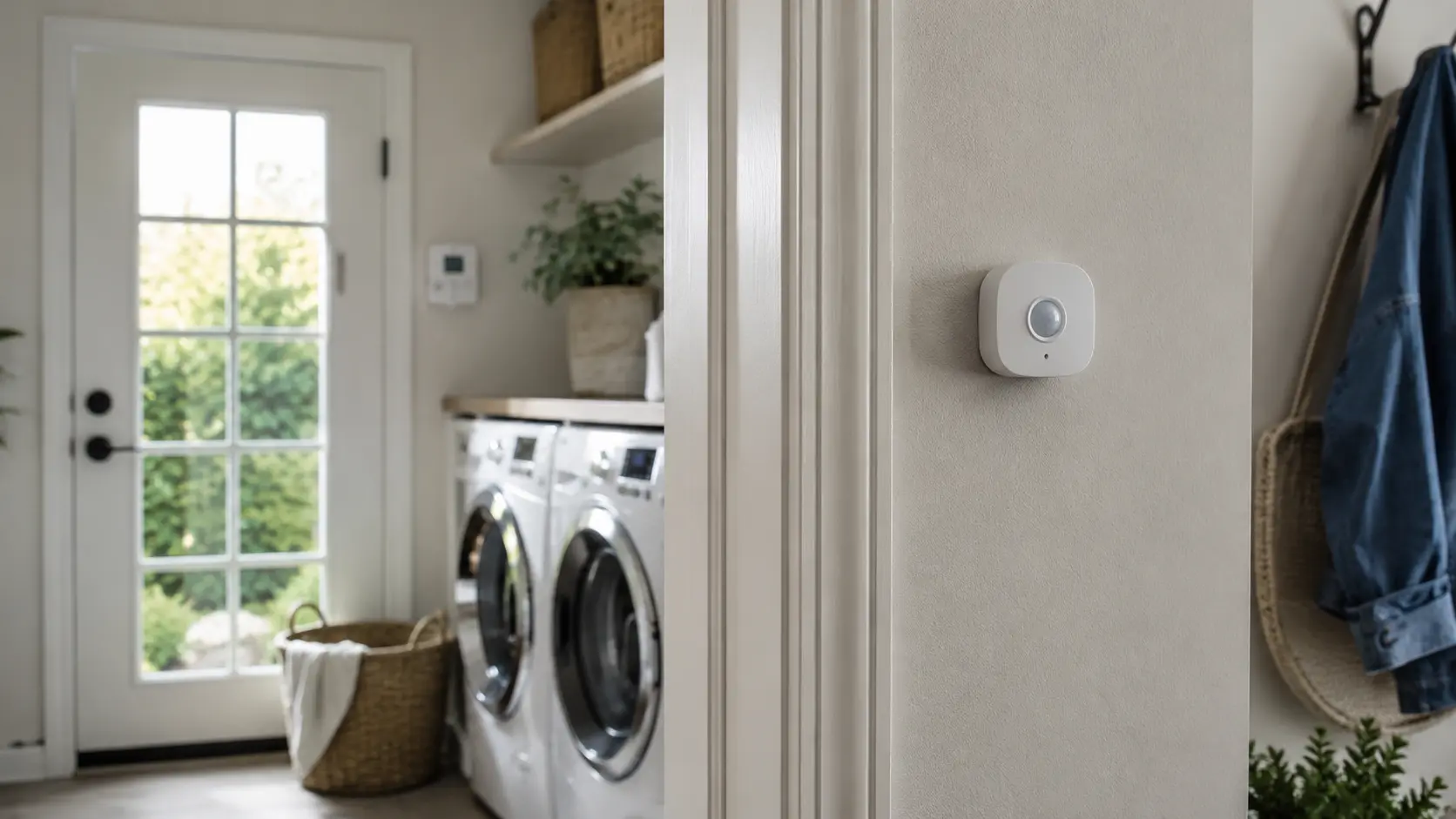
Motion sensors detect movement. They are often used to turn lights on when someone enters a space and turn them off after no motion is detected for a period of time.
For energy efficiency, motion sensors are useful in spaces where lights are frequently forgotten. They are less useful in rooms where people sit still for long periods, because the sensor may incorrectly assume the room is empty.
Good places for motion sensors
- Hallways
- Closets
- Garages
- Laundry rooms
- Storage areas
- Basements
- Entryways
Motion sensors work best for short-use spaces. In living rooms, offices, or bedrooms, occupancy sensors may be more appropriate because people may be present without much movement.
Occupancy Sensors
Occupancy sensors are designed to determine whether someone is present in a room. Depending on the technology, they may be better than simple motion sensors at detecting presence when a person is sitting, reading, working, or watching TV.
These sensors can support lighting, thermostat routines, fans, and other automations. They are useful when rooms are used inconsistently and manual control often leads to waste.
How occupancy sensors can help
- Turn lights off after a room is empty.
- Reduce fan runtime in empty spaces.
- Support room-based temperature routines.
- Improve automation accuracy compared with motion-only triggers.
Occupancy-based automation should be tested carefully. If it turns things off too quickly, it becomes annoying and people may disable it.
Temperature Sensors
Temperature sensors can help you understand how different rooms behave. Some homes have rooms that are consistently warmer or colder because of sunlight, insulation, drafts, airflow, vents, windows, or room location.
A single thermostat may not reflect comfort across the entire home. Extra temperature sensors can provide a clearer picture.
Temperature sensors may help when:
- One room is always warmer or colder than the rest of the home.
- The thermostat is located in a poor spot.
- Sunlight affects comfort in specific rooms.
- You want better room-by-room temperature visibility.
- You are trying to understand HVAC performance patterns.
Temperature data does not fix the problem by itself, but it can help you identify whether the issue is airflow, sun exposure, insulation, thermostat placement, or habits.
Related guide: How to Save Energy at Home: A Practical Room-by-Room Guide .
Humidity Sensors
Humidity affects comfort and indoor conditions. High humidity can make a room feel warmer than it is, while very dry air can affect comfort during colder months. Smart humidity sensors can help you understand when ventilation, dehumidification, or habit changes may be needed.
Humidity sensors can be especially useful in bathrooms, laundry areas, basements, and rooms with moisture concerns.
Useful humidity sensor applications
- Turning bathroom fans on or off more appropriately
- Monitoring basement humidity
- Identifying rooms with moisture patterns
- Supporting dehumidifier schedules where appropriate
- Helping avoid unnecessary fan runtime
Do not ignore persistent moisture, mold, leaks, or condensation. These can indicate building or ventilation problems that need professional attention.
Door and Window Sensors
Door and window sensors detect whether an opening is open or closed. They are commonly used for security, but they can also support energy efficiency.
For example, if a window is left open while heating or cooling is running, the system may waste energy trying to condition outdoor air. A sensor can alert you or trigger automation, depending on the setup.
Energy-related uses
- Alert when windows are left open during HVAC use.
- Remind users to close exterior doors.
- Support thermostat rules if openings remain open.
- Identify repeated behavior that causes energy waste.
Door and window sensors are most useful when open windows or doors are a recurring issue. If that never happens in your home, they may be more valuable for security than energy efficiency.
Leak Sensors and Water Alerts
Leak sensors do not directly reduce electricity use in most homes, but they can prevent costly damage and help identify water problems early. This can matter for home efficiency because leaks, moisture, and water damage can affect insulation, indoor air quality, comfort, and equipment reliability.
Good places for leak sensors
- Near water heaters
- Under sinks
- Near washing machines
- In basements
- Near HVAC condensate areas
- Near dishwashers
Leak sensors are more about risk reduction than direct energy savings, but they can be a useful part of a smarter, better-maintained home.
Energy Monitoring Sensors
Energy monitoring devices can help track electricity use. Some are simple plug-in monitors for individual devices, while others monitor larger household patterns. These tools can help you stop guessing and see what is actually using power.
Monitoring is useful when your bill seems high and you are not sure why. It can also help evaluate whether a device is worth replacing, scheduling, or unplugging.
Energy monitoring can help identify:
- Devices using more energy than expected
- Appliances running for unusually long periods
- Standby power from electronics
- Changes in daily energy patterns
- Whether energy-saving changes are working
Use monitoring devices only according to their ratings and instructions. Do not use plug-in monitors with equipment they are not designed to handle.
Related guide: How to Read Your Electricity Bill and Spot Energy Waste .
Best Rooms for Smart Sensors
Smart sensors work best when placed in rooms where they solve a real problem. Installing sensors everywhere can create clutter, maintenance work, and confusing automations.
Useful sensor placements
- Hallways: motion-based lighting control
- Bathrooms: humidity and fan control
- Laundry rooms: motion, leak, and humidity monitoring
- Basements: humidity, leak, and temperature monitoring
- Home offices: occupancy and lighting routines
- Bedrooms: temperature and comfort monitoring
- Living rooms: occupancy and smart lighting support
Start with one or two sensors where the problem is obvious. Expand only if the first sensors provide useful results.
Privacy and Cybersecurity Considerations
Smart sensors may collect information about room activity, occupancy, temperature, humidity, and device behavior. This does not mean they are unsafe, but they should be treated as connected devices.
Smart sensor security basics
- Use strong, unique passwords for smart home accounts.
- Enable multi-factor authentication if available.
- Keep apps, hubs, and firmware updated.
- Buy from reputable brands with support history.
- Review permissions and shared access.
- Remove sensors from your account before selling or discarding them.
- Consider a guest or IoT network if your router supports it.
Sensors should improve control and awareness without creating unnecessary privacy or security exposure.
Smart Sensor Buying Checklist
Before buying smart sensors, use this checklist:
- What problem will the sensor solve?
- Will it trigger an action or only provide information?
- Is it compatible with your smart home platform?
- Does it require a hub?
- Is battery replacement reasonable?
- Will the sensor work reliably in the chosen room?
- Does the brand provide updates?
- Are privacy and account controls acceptable?
- Is the expected benefit worth the cost?
A smart sensor is worth buying when it gives you useful information or controls a repeated source of waste. Avoid buying sensors only because they are inexpensive or interesting.
What to Avoid
Smart sensors are useful tools, but poor setup can create frustration or false confidence.
- Do not install sensors without a clear purpose.
- Do not create automations that turn things off too aggressively.
- Do not ignore privacy and security settings.
- Do not rely on sensors to replace needed maintenance.
- Do not use sensors to control safety-critical equipment carelessly.
- Do not ignore moisture, leaks, overheating, or electrical problems.
If a sensor reveals a serious issue, such as persistent moisture, equipment overheating, electrical irregularities, or HVAC problems, contact a qualified professional instead of treating it as a simple automation task.
Frequently Asked Questions
Can smart sensors save energy?
Yes, when they reduce unnecessary runtime or help identify waste. Examples include turning lights off in empty rooms, supporting thermostat routines, detecting open windows, or monitoring temperature and humidity patterns.
What smart sensors are best for energy efficiency?
Motion sensors, occupancy sensors, temperature sensors, humidity sensors, door and window sensors, and energy monitoring sensors can all support efficiency when used for specific problems.
Are smart sensors worth it?
They are worth it when they solve a repeated issue, such as lights left on, rooms being heated or cooled unnecessarily, poor ventilation habits, or lack of visibility into room conditions.
Do smart sensors work without automation?
Some sensors provide useful alerts or information without automation, but their energy-saving value is usually stronger when they trigger actions such as turning lights off or adjusting routines.
Should I put smart sensors in every room?
Usually no. Start with rooms where there is a clear problem. Too many sensors can create unnecessary complexity, maintenance, and notifications.
Final Thoughts
Smart sensors can support home energy efficiency, but only when they are used with purpose. The best sensors help identify waste, automate simple actions, or improve visibility into room conditions.
Start with one clear problem: lights left on, humidity issues, open windows, uncomfortable rooms, or unknown energy use. Then choose the sensor that addresses that problem directly. A focused setup is usually more useful than filling the home with devices that do not have a clear role.
Continue reading: Best Smart Home Devices for Lowering Energy Use .